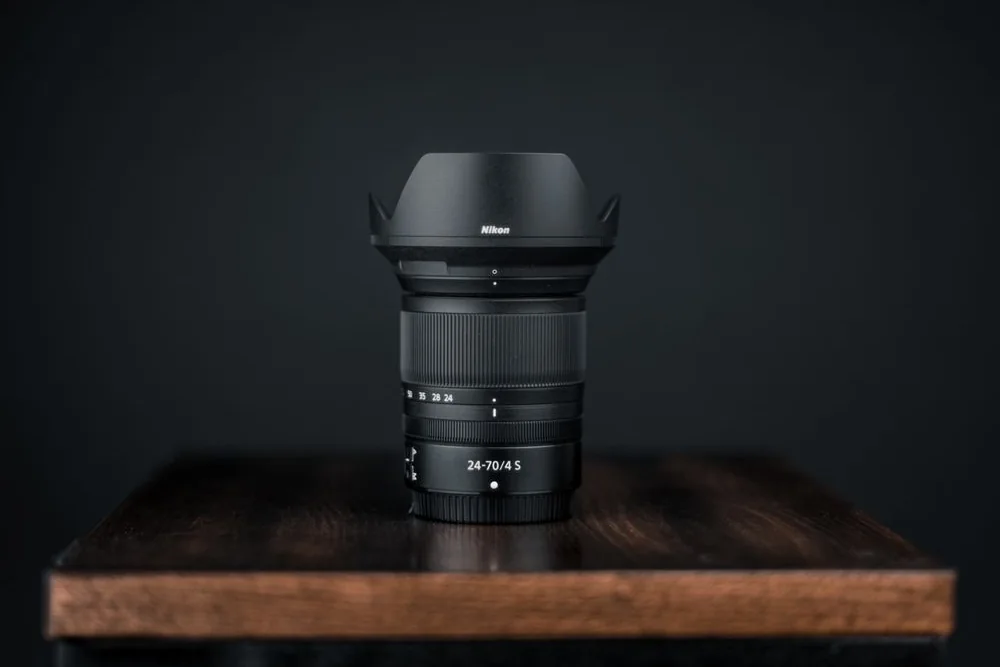
Start a lens search with something you want to do differently: photograph a wider scene, isolate a portrait, work in dimmer light or fill the frame with a distant subject. That gives you a reason to compare lenses and helps avoid buying another lens that duplicates what you already use.
Confirm the exact camera and mount
Record your camera’s full model name, lens mount and sensor format. Then check the manufacturer’s compatibility information for the exact lens, including its generation. Matching the camera brand is not enough.
Canon’s RF, RF-S, EF, EF-S and EF-M names, for example, describe different lens families. Some combinations require an adapter and others are incompatible. Even where a lens attaches, check image coverage, autofocus, stabilisation and any firmware or operating restrictions.
A lens designed for a smaller sensor may cause a supported full-frame body to use a cropped image area. Do not assume an adapter provides full-frame coverage or restores every feature. Keep the cost and weight of any required adapter in the comparison.
Use focal length to choose your view
Focal length, expressed in millimetres, describes a lens’s angle of view and magnification. A shorter focal length includes more of the scene; a longer one frames a smaller area from the same position. The sensor format affects the final field of view, so compare examples made on the same format as your camera.
A wider view can help with interiors or a landscape foreground. A longer lens can help when you cannot approach a subject. Neither replaces thinking about where you can stand, how much working space you have or how heavy a lens you want to carry.
Prime or zoom?
A prime has one focal length; a zoom covers a range. A zoom can make framing flexible when you cannot move freely. A prime can be appealing for a particular view or a wider maximum aperture, but check the actual size, aperture and specifications rather than assuming every prime is small or every zoom is slow.
Understand the aperture numbers
A lower f-number represents a wider aperture. A wider maximum aperture gives you more flexibility in low light and can help create a shallow area of sharp focus. Background blur also depends on factors such as focus distance and composition, so one number does not predict every photograph.
Two aperture numbers in a zoom’s name usually describe a maximum aperture that changes across its range. If you need a particular aperture at the long end, check that value specifically. A constant maximum aperture can be useful, but it is not automatically necessary for your photography.
Check the features you will use
- Stabilisation: check the supported lens-and-body combination. It counters camera movement; it does not freeze a moving subject.
- Close work: compare minimum focusing distance and maximum magnification. A close-focus claim alone does not establish life-size macro capability.
- Focus: check autofocus support and manual controls, particularly if you plan to record video.
- Practical fit: note weight, filter diameter, hood and any tripod collar. A filter diameter is a different measurement from focal length.
Compare bundles and condition carefully
If you are choosing a camera kit, identify the exact bundled lens before comparing it with a body-only offer. A second lens adds value only if it fits your intended use. Check whether hoods, caps and other pictured items are actually included.
For used lenses, ask about optical and mechanical condition, autofocus operation and the returns or warranty terms. Inspect sample-specific photographs where available, rather than relying only on a generic product image. Add delivery and any missing essentials to the total.
Use our purchase comparison checklist before ordering. This researched guide does not claim hands-on testing or rank individual lenses.
Sources and further reading
- Canon: lens compatibility guide
- Nikon: understanding focal length
- Nikon: understanding maximum aperture
- Canon: image stabilisation and its limits